App Landing Page SEO: Build the Page Before You Publish
Build an app landing page that answers one search job, proves the product, renders crawlable content, and measures store clicks without calling them installs.
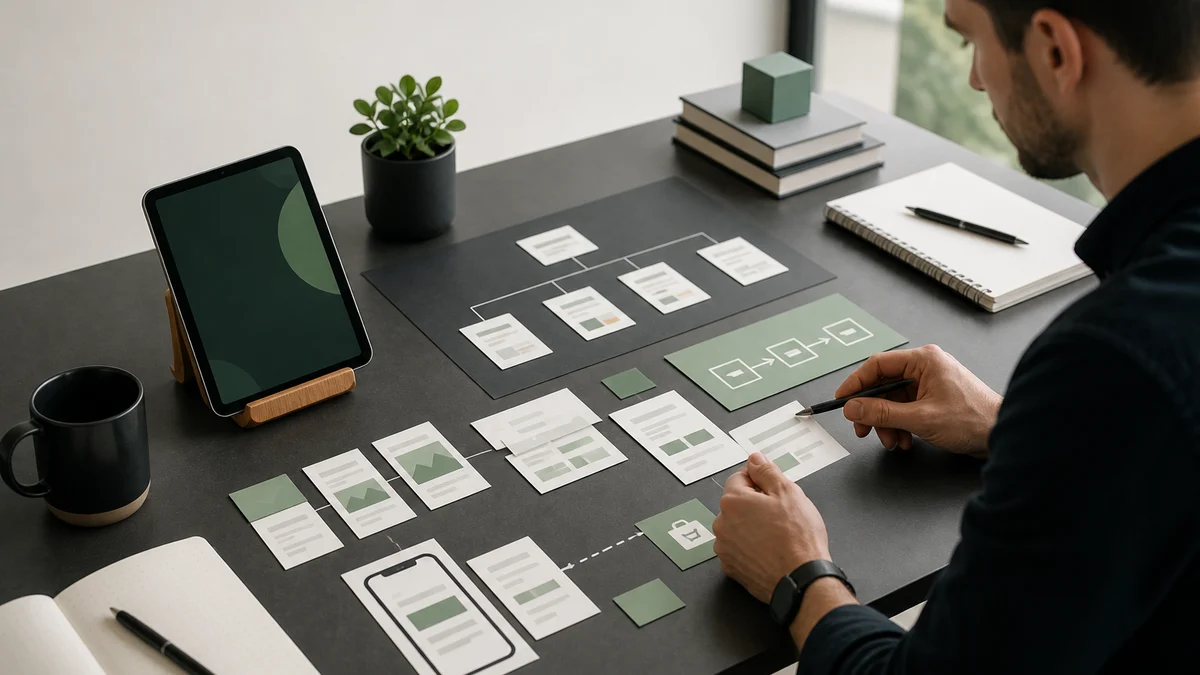
An app landing page should answer one search job, show the product completing that job, prove every material claim, and give the reader one clear next action. For search visibility, render the answer in accessible HTML, align the title, H1, description, canonical, and body, link the page internally, include it in the sitemap, and measure the path without calling an App Store click an install.
Use this guide to plan a focused app page before design or code hides an unclear proposition.
Choose the exact search job
Complete this sentence:
A person searches “[query]” because they want to [specific job]. This page will help them [decision or action], then show how [app] supports the next step.
If the query is “plant identification app,” the reader wants to identify a plant and choose a suitable tool. If the query is “how to identify a tree leaf,” the reader wants a method first. Those pages can support the same app, but they should not use the same title and body.
Check whether another URL already owns the job. Improve the existing owner when it does.
Build the first screen around the answer
The first screen should contain:
- one descriptive H1;
- a direct answer or value proposition;
- one product visual that proves the workflow;
- one primary action;
- a boundary that prevents a misleading promise when needed.
Avoid a headline that could describe any app. “Transform your potential” does not tell the reader what happens. “Turn saved articles into editable tasks” names the job and result.
Use the product proof ladder
| Claim | Useful proof |
|---|---|
| The app performs a workflow | Real screenshot or short recording of that workflow |
| The app supports a platform | Current first-party store or product documentation |
| The app protects a type of data | Published privacy details and verified implementation |
| People achieved an outcome | Permissioned, attributable evidence with relevant context |
| The page answers a factual question | Primary or authoritative source near the claim |
Remove ratings, awards, testimonials, user counts, and outcome claims you cannot verify. Decorative logos do not create proof.
Plan the page sections
A focused landing page often needs:
- direct answer and primary action;
- problem in the reader's language;
- three-step product workflow;
- screenshots with specific captions;
- capability and limitation table;
- privacy or data-flow explanation where relevant;
- questions that block the decision;
- final next action.
Do not add a section because another landing page has it. Every section should resolve a question or reduce uncertainty.
Write crawlable, consistent metadata
Use a unique title that identifies the job and product. Use one visible H1 that matches the promise. Write a concise description that helps a person decide whether the result fits.
Google explains that title links can use the title element, visible title, headings, Open Graph title, and anchor text. Inconsistent or boilerplate signals can lead Google to generate another title: review the official title-link guidance.
Put the canonical URL in the original HTML and keep it self-referencing. Google recommends stable canonicals and cautions against changing them to conflicting values through JavaScript: read the JavaScript SEO guidance.
Render the useful answer in HTML
Do not send a nearly empty document that requires a fragile client request before the headline, explanation, links, and proof appear. Server rendering, static generation, or another reliable rendering strategy should return the important content to people and crawlers.
Test the built page with JavaScript disabled as a diagnostic, inspect the raw response, and check the rendered result. Interactive demos can enhance the page, but they should not hide the answer.
Use app screenshots as evidence
Show the exact action described in the adjacent copy. Write alt text for the visual content and captions that explain what the reader should notice. Do not put paragraphs of required information only inside an image.
Google's image SEO guidance recommends relevant high-resolution images, descriptive page context, and consistent preferred-image metadata. Use the same relevant hero in Article or WebPage schema and Open Graph data when appropriate.
Link the page into the site
Add links from the homepage, product hub, related guide, or feature page where a reader would genuinely need the destination. Use descriptive anchor text. Create supporting pages only when they answer different jobs.
Link outward to primary sources for technical, legal, medical, scientific, or platform-specific claims. A source list cannot repair an unsupported headline.
Add schema that matches visible content
Use WebPage for a standard landing page. Add SoftwareApplication only when the visible content and required properties support it. Use FAQ markup only when it remains eligible under current search policies and the questions appear visibly on the page.
Google describes structured data as explicit information about a page, not a ranking shortcut: review the structured-data introduction.
Build your reviewed plan in SEO for My App
SEO for My App can research demand, prepare app-linked pages and tools as reviewed drafts, run approval and quality gates, and measure consented website events and App Store clicks. Start with the app and exact query, choose one canonical owner, review the claims and image, then publish only after the technical and editorial checks agree.
SEO for My App does not guarantee crawling, indexing, ranking, installs, or subscriptions. It keeps the evidence and approval path visible.
Measure each observable step
Track:
- search impressions;
- search clicks;
- consented page engagement;
- primary CTA clicks;
- App Store or Play Store clicks;
- installs or later outcomes only from a trustworthy authorized source.
Record query, page, market, device, and time window. Avoid changing the page after a few impressions. Search systems need time to crawl and process updates, and small samples create noise.
Pre-publish checklist
- The query has evidence and a reviewed result page.
- No existing page owns the same job.
- The app can honestly serve the query.
- Title, H1, description, canonical, and opening answer agree.
- The useful content appears in accessible HTML.
- Product screenshots prove the stated workflow.
- Every material claim has suitable evidence.
- Internal links help people reach and leave the page.
- Structured data matches visible content.
- Robots directives allow indexing.
- The canonical URL appears in the sitemap.
- The hero image is relevant, descriptive, and high resolution.
- Analytics respect consent and preserve funnel boundaries.
- The CTA tells the reader what happens next.
After publication
Fetch the public URL, verify a successful response, inspect canonical and schema, check the sitemap, and submit the final URL through the appropriate search-engine tools. Submission confirms receipt at most. It does not prove indexing or ranking.
Review the page when the search result changes, the product changes, or performance gives you enough evidence. Refresh the owner. Do not publish a competing URL to chase a wording variant.